Post ·
Every Rule Needs a Source: Building a CSDM Modeler from Public Material Only
Every class, relationship and hint in the free Blueprint Modeler links to ServiceNow's public documentation. What building a CSDM tool that way taught me.
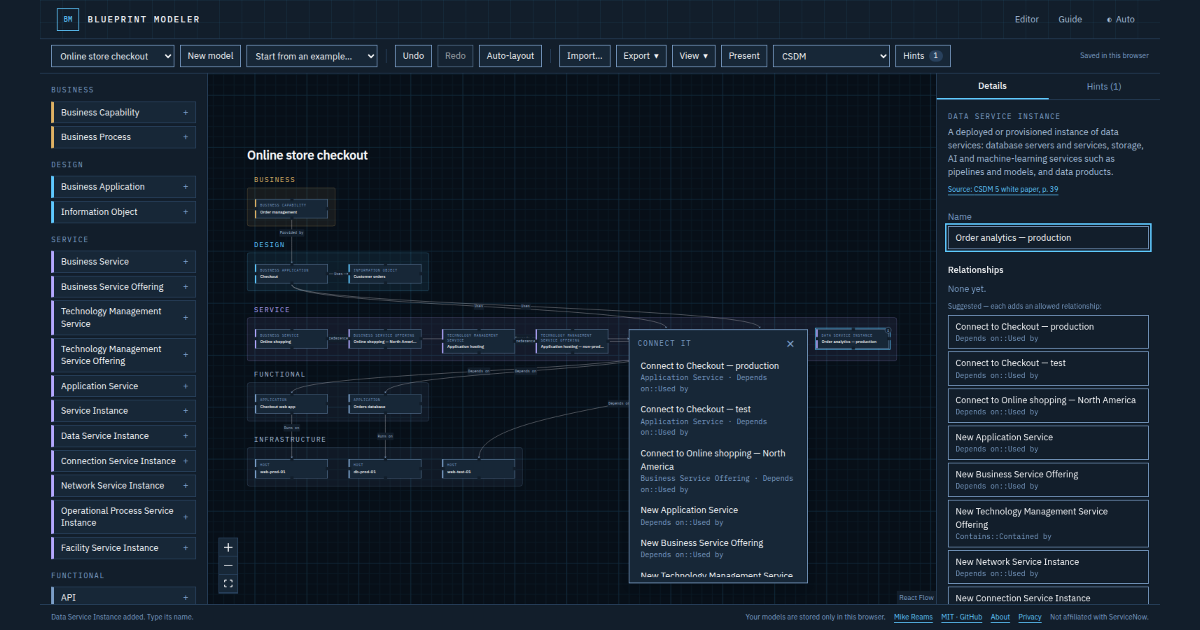
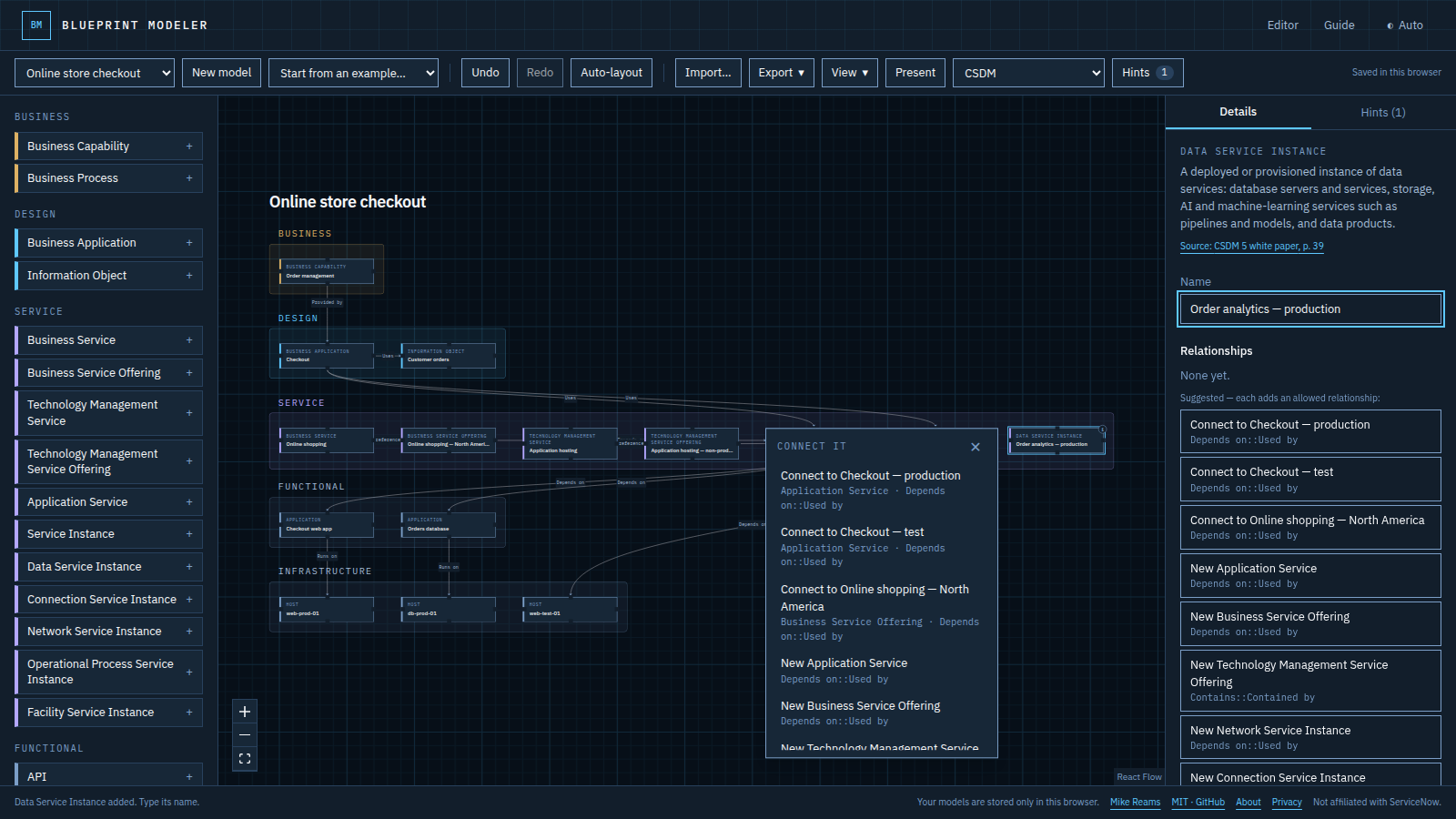
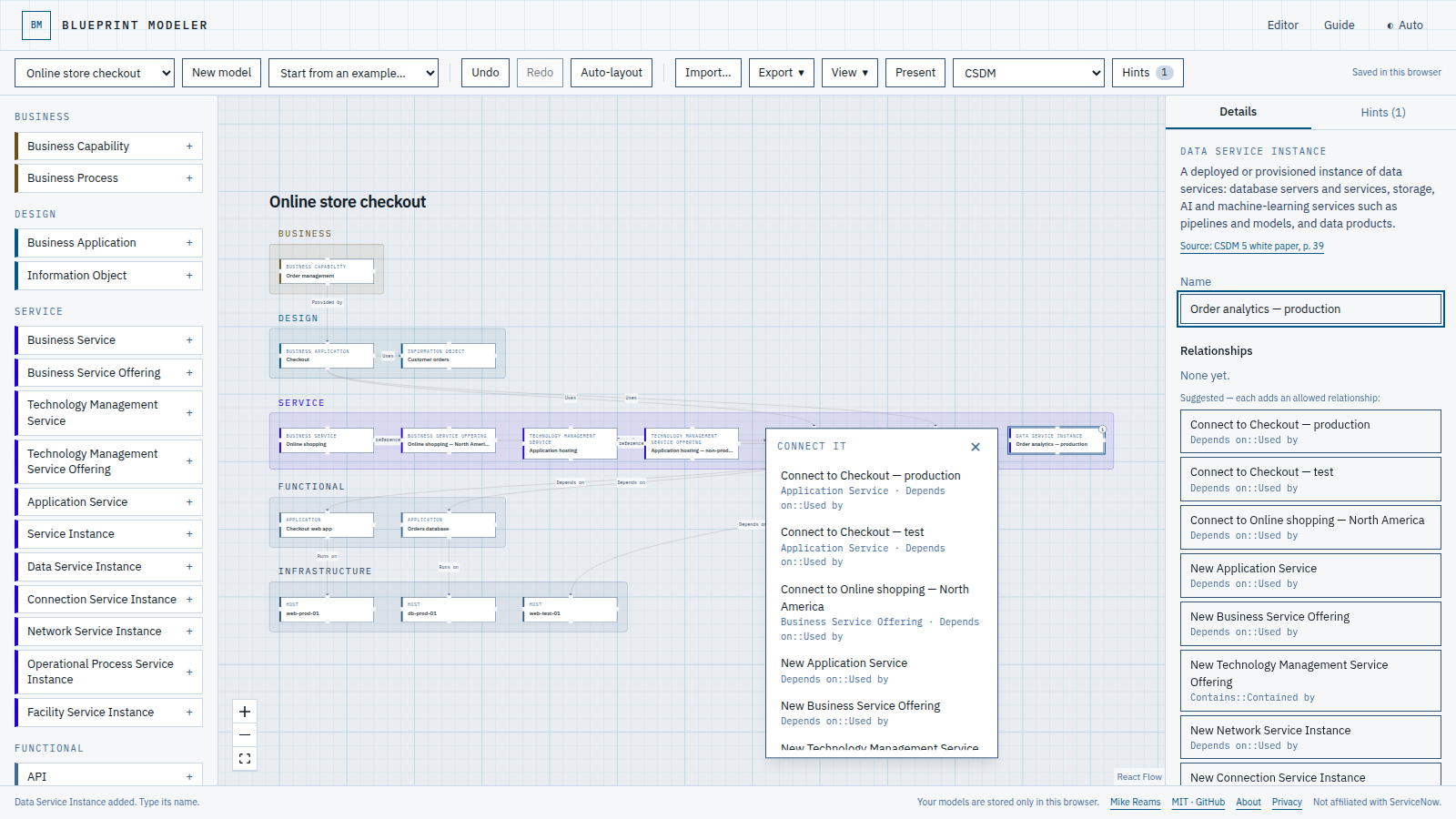
Most CSDM conversations start the same way: someone draws a box for an application, a box for a server, and a line between them. The line is the problem. The Common Service Data Model exists to put an Application Service between those two boxes, and the rule that says so lives on page 38 of a long white paper most people never open.
I wanted a place to sketch that knows the model, so I built one: Blueprint Modeler, a free canvas that offers only the relationships CSDM uses and flags common gaps as you draw. Building it taught me more about writing rules down than about drawing boxes.
1. The source link is a feature, not a footnote
Every class, relationship type and hint in the app carries a link to the public page it came from, and the build fails if one doesn't. That started as a guardrail against making things up. It turned into the most useful part of the product: when a hint says a Business Application has no capability, the reader can check the white paper in one click instead of arguing with the tool.
If a rule can't point at its source, it's an opinion. Opinions are fine, but label them.
2. Separate what the source says from what you inferred
The white paper establishes that a Business Application relates to a Business Capability. It doesn't always say which relationship type to use. Rather than quietly picking one, the app marks each type as reported (the public material names it) or conventional (a standard CMDB type commonly used for that pair). The class guide shows the difference.
That one field made review faster. Instead of re-checking everything, I only had to decide on the conventional ones.
3. Advise, don't block
A sketch is allowed to be wrong. The canvas refuses pairs CSDM never relates, because those are always mistakes, but everything softer is a hint: it explains, highlights the elements involved and cites its source, and you can ignore it. An imported model that breaks the rules still loads, with warnings. Tools that block every imperfection teach people to stop using the tool.
4. No server is a privacy architecture
The app is a static site. Models live in the browser, import and export are files on your device, and auto-layout runs in a background worker. There is no account to create and nothing to breach. That removed a whole category of questions before anyone could ask them, and it made the privacy page short enough to read.
5. Test the promises you make
The About and Privacy pages make claims, so the test suite checks them: no requests to other origins outside the production analytics beacon, an accessibility scan of every page in both themes, and no sideways scrolling at five screen widths. A regression test also exists for a bug where every node vanished while you dragged one. It surfaced in my first real session with the tool, which is the best kind of test.
Try it
Open model.mikereams.com, start from one of the five examples, and see which hints it raises. Switch the lens to ArchiMate to see the same model in that notation. The code is on GitHub under the MIT license, and suggestions are welcome there.
Blueprint Modeler is not affiliated with or endorsed by ServiceNow or The Open Group. ServiceNow and CSDM are trademarks of ServiceNow, Inc.; ArchiMate® is a registered trademark of The Open Group.