Post ·
A Capability Map You Can Import, Not Just Admire
The Blueprint Catalog is a free business capability map with value streams, products and patterns, served as pages, JSON and MCP, with exports for EA tools.
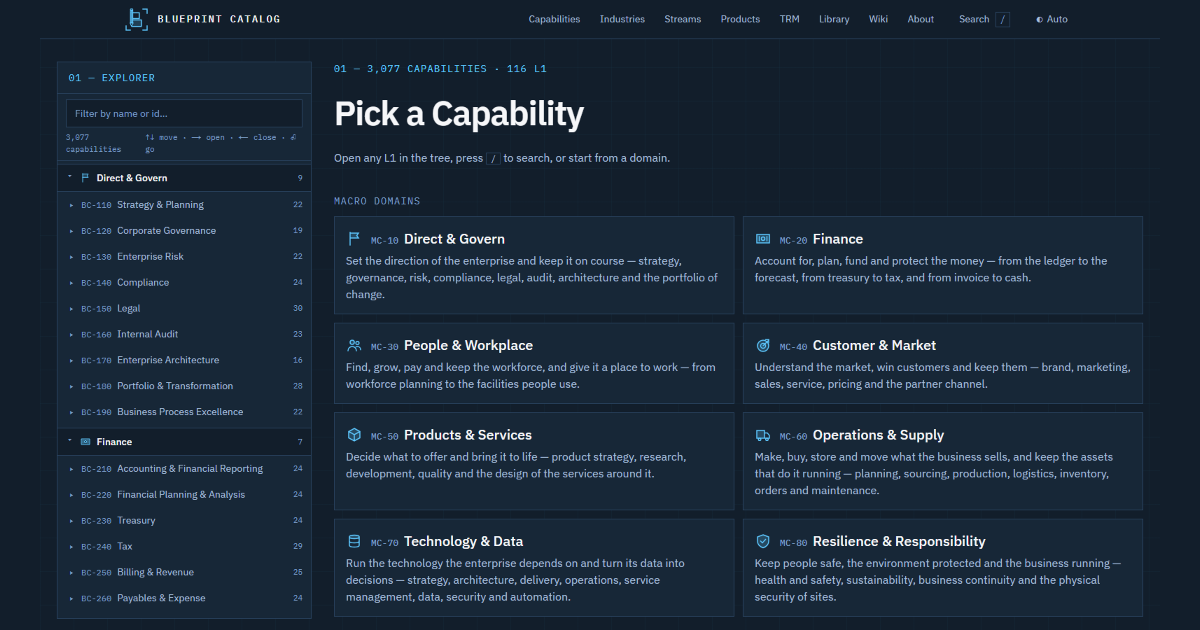
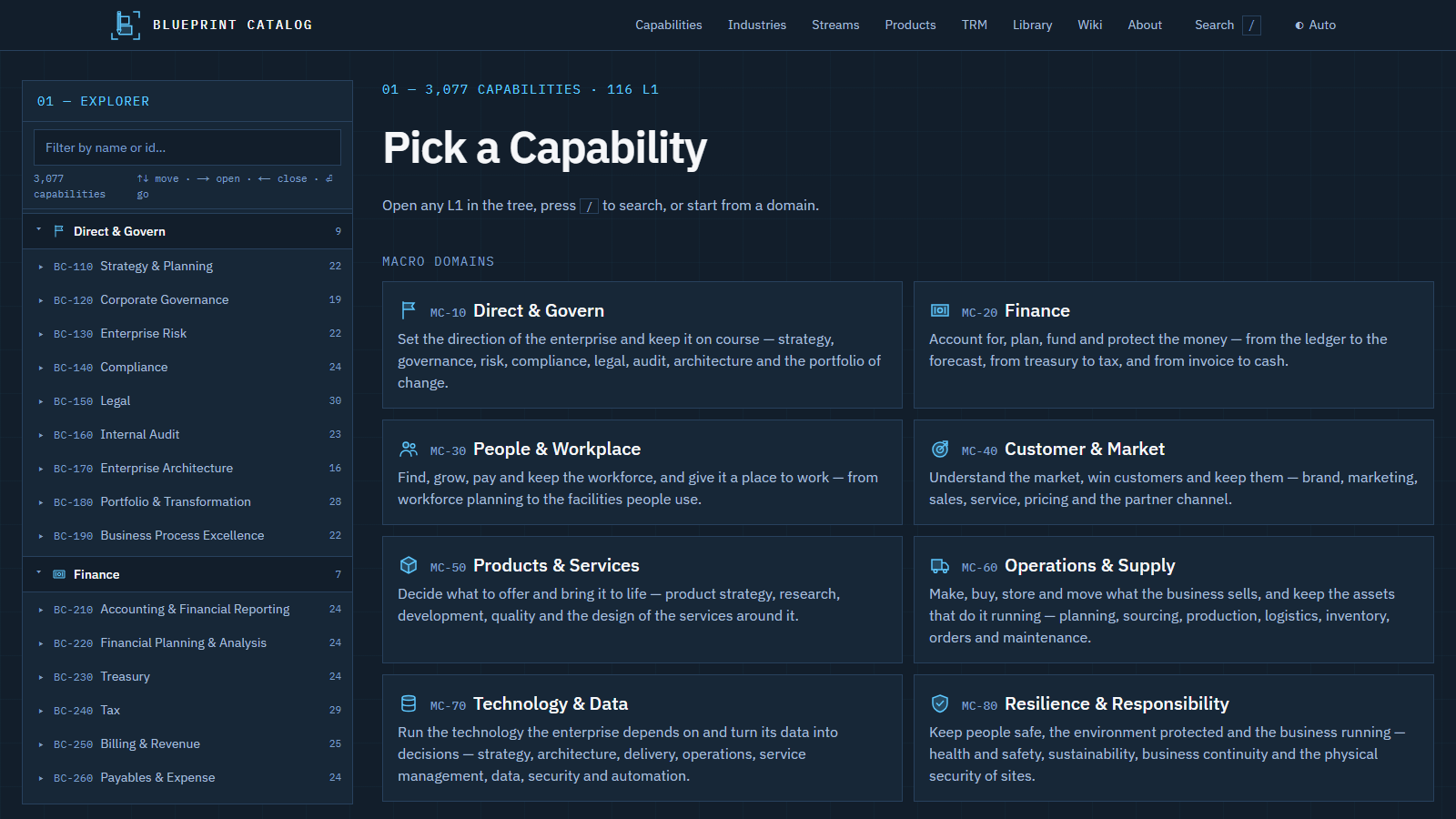
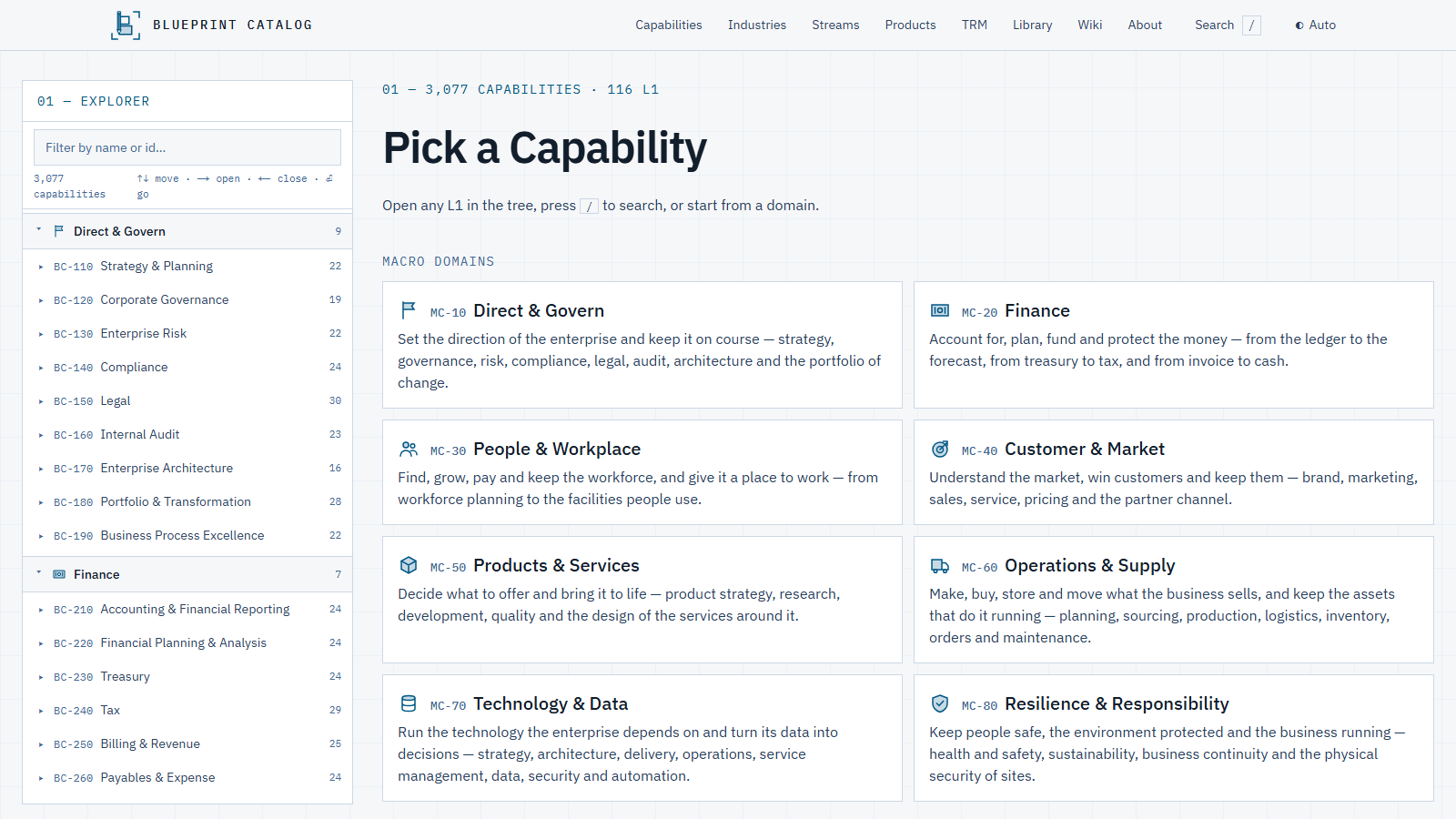
The Blueprint Catalog is a free reference map of business capabilities, with the value streams, products, patterns and standards that hang off it. You can read it as pages, pull it as JSON, ask it questions through an MCP server, or import it into the EA tool or CMDB you already run. It is my own writing, licensed CC BY 4.0.
Why build another capability map
Every capability-mapping engagement starts by rebuilding the same model: a reference map, a way to place applications on it, exports the EA tool or CMDB will accept, and a vocabulary the business recognizes. Too often the result lives in a slide deck that no tool can read. The good references are paid, locked inside one vendor's product, or shaped for people to look at rather than for systems and agents to use.
I wanted the opposite: a map that starts as data, keeps the same ids from release to release, and lands in a tool in one import.
What is in it
As of release 0.43.1:
- 116 top-level capabilities across eight macro domains and eight industries, broken down to 3,081 nodes, each with a description, scope lines and a CSDM note.
- 55 value streams with 331 stages and 61 domain events.
- 71 products mapped to the capabilities they realize, 642 mappings in all.
- 73 design patterns, 28 anti-patterns, 57 frameworks and standards, 24 architecture principles and 31 data concepts.
- A technology reference model of 114 technologies, 46 of them with end-of-life dates, plus a 75-term glossary.
Three ways in, one build
The pages, the static JSON API under /api/v1 and the read-only MCP server at /mcp all come from the same build, so they never disagree. There is no key and nothing to sign up for. An agent connected to the MCP server reads the same records, with the same ids, that the pages show.
This site uses it the quiet way. The Technology and Toolbox pages read a committed snapshot, so tiles carry product capabilities and lifecycle dates without the site ever calling the catalog. A Static Site That Uses an API Without Calling It explains how that snapshot is kept honest.
Getting it into your tool
The exports are shaped for ServiceNow, LeanIX, Ardoq and ArchiMate. Parents come before children, so the hierarchy builds in one pass. Because ids are stable, the next release re-imports onto the same records instead of creating duplicates beside them.
Treat the import as a starting map, not your map. Rename what your business calls something else, cut what you will never fund, and keep the catalog id on every record you keep. The id is what lets you compare your map with the reference later and see what you changed.
How it stays trustworthy
- Content is code: YAML validated against a JSON Schema at every build, so a broken reference fails the build rather than reaching a page.
- Ids are never reused, so a record you imported keeps pointing at the same thing.
- Every release has a change log, so you can see what moved before you re-import.
Try it
Start at catalog.mikereams.com, pick the macro domain closest to your next piece of work, and compare its level-two capabilities with what your teams actually do. The work page has the background and what I built around it, including the agent skills in the AI Library.